Instructions
Login

Login to Vector Solutions
Open Inspect Element
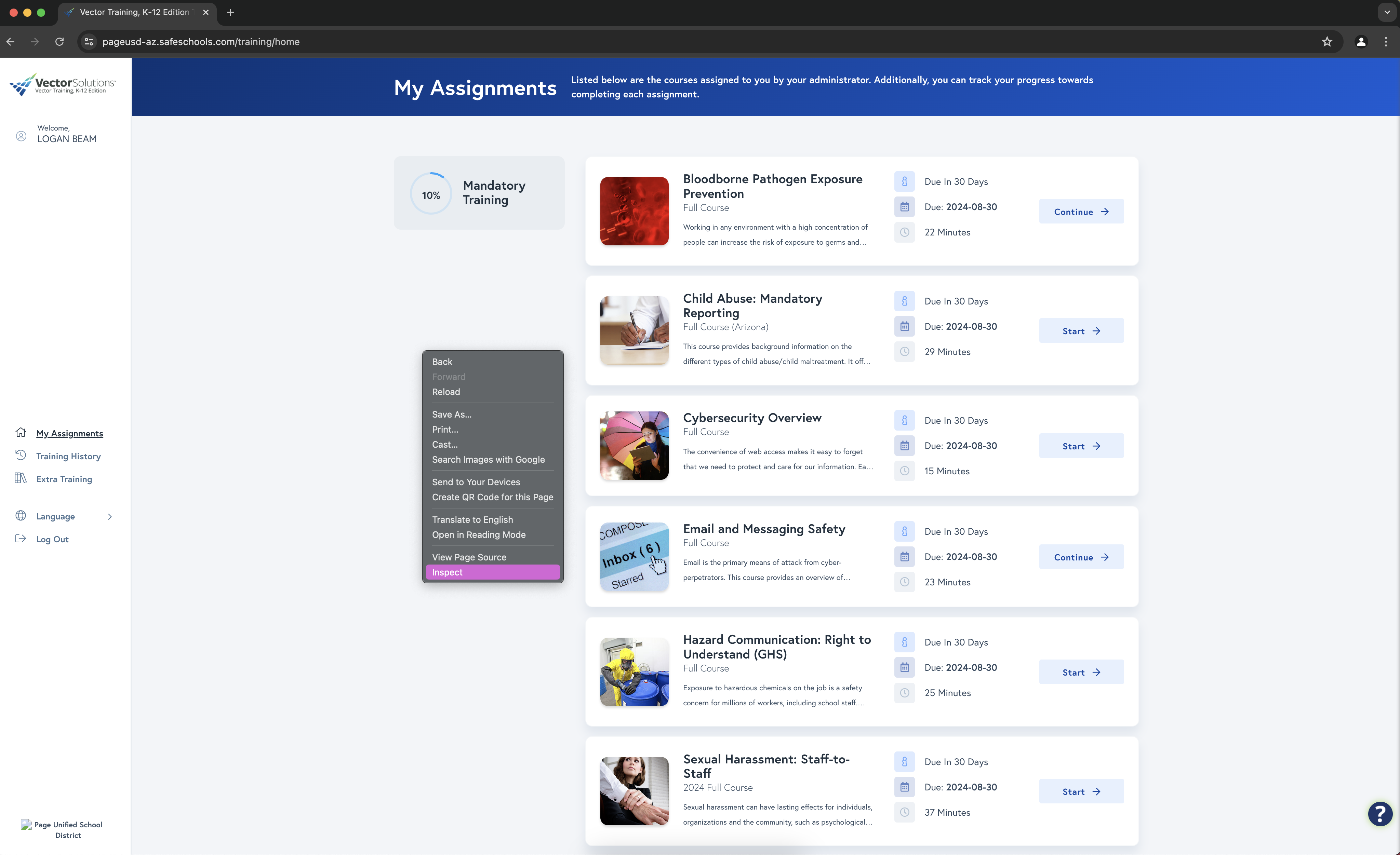
Right click on the webpage and select inspect
Select Console
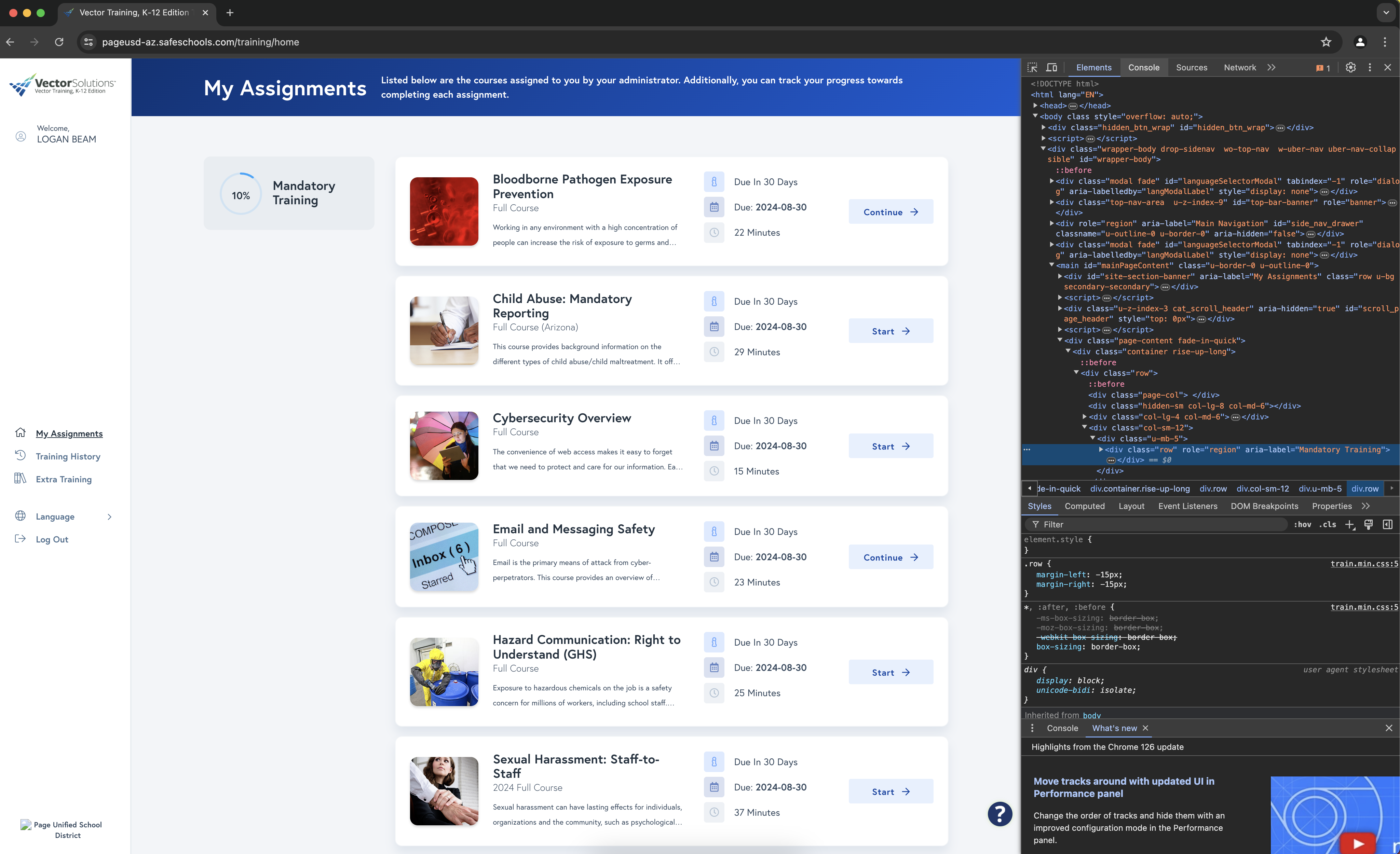
Click on console within the inspect window
Allow Pasting
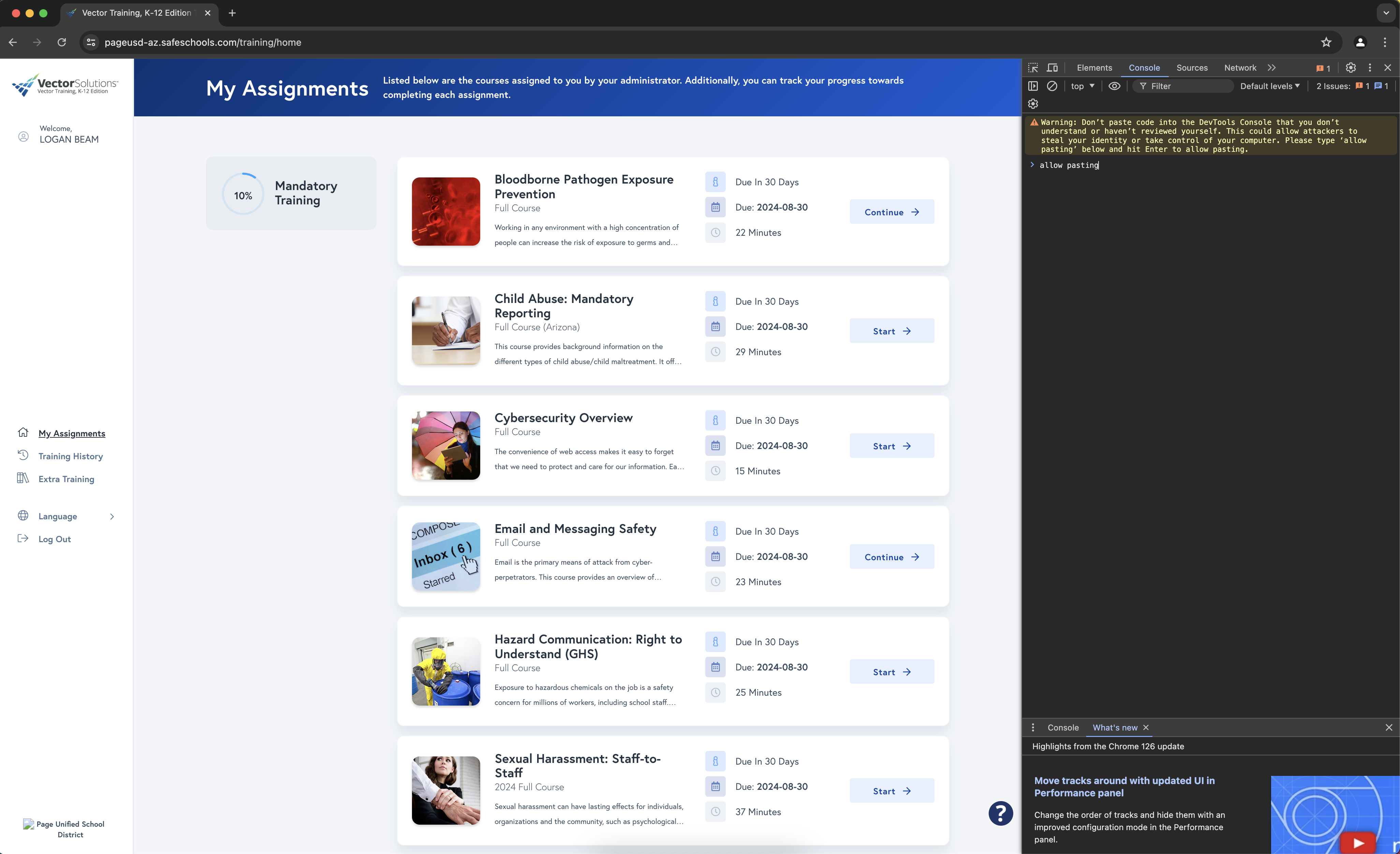
Within the console type 'allow pasting' then paste in the script.
Waiting
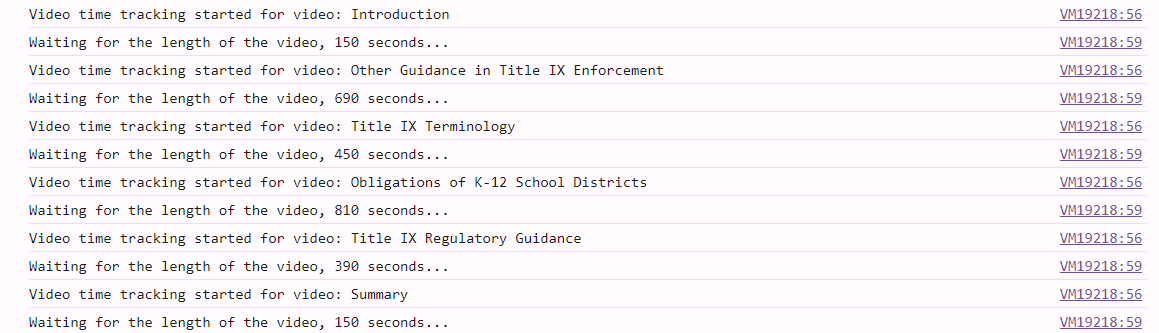
The console will display text saying 'video time tracking...' and 'waiting for the lenght of the video...' this means it is working. You just need to wait for it to finish.
Completed

When it has finished you will see within the console 'Completed Video: ...' Once you see all of the videos titles the script will update the page and place checkmarks next to the video. All you need to do is take the assignment.
- © 2024
 sml, studios. All Rights Reserved